
Physical Security & Clean Desk
Cybersecurity is not only digital. Learn the physical security practices, from tailgating prevention to clean desk policies to secure disposal, that protect your organization.
What You Will Learn
Cybersecurity is not only digital. Physical access to your office, devices, and documents can lead to data breaches just as easily as a phishing email. This module covers the physical security practices that protect your organization.
- Tailgating prevention: controlling who enters your space
- Device security: locking screens, encrypting drives, securing laptops
- Clean desk policy: keeping sensitive documents out of sight
- Screen privacy: preventing visual data exposure in public spaces
- Secure disposal: properly destroying documents and devices
Why Physical Security Matters
A locked door is a security control. A shredded document is a security control. A laptop with full-disk encryption is a security control. Physical security is required by ISO 27001 and NIST SP 800-50, and it is often the weakest link in small organizations that focus exclusively on digital threats.
Consider this: if someone walked into your office after hours, what could they access? Printed patient records on a desk? A logged-in computer? A server closet with no lock? Physical security closes these gaps.
Quick Check
You are entering your office building and someone you do not recognize is right behind you. They say they are visiting a colleague. What should you do?
Tailgating and Access Control
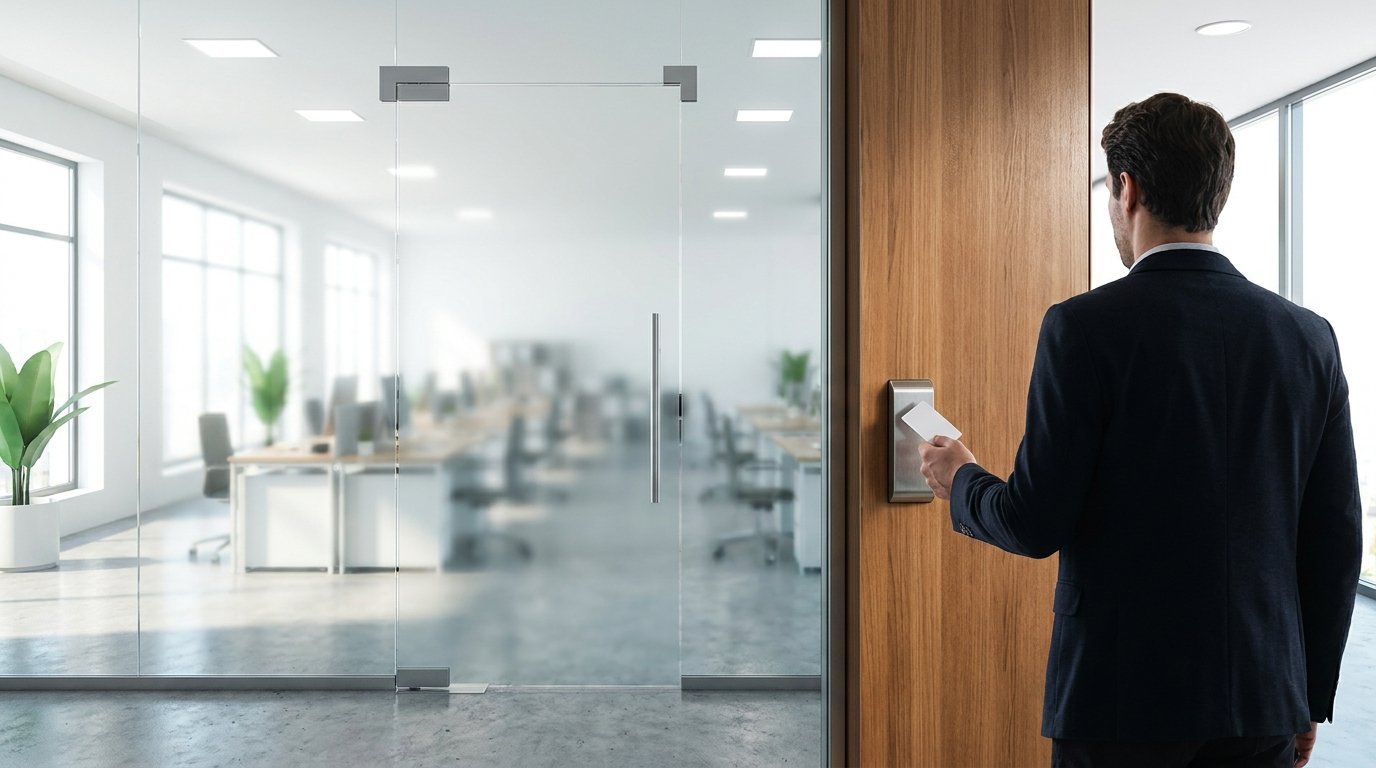
Tailgating is when an unauthorized person follows someone through a secure door. It is the most common physical security breach. It works because challenging strangers feels socially awkward. But in a regulated environment, it is a serious risk.
Access Control Best Practices
- Challenge strangers. Asking to see a badge is professional, not rude.
- Do not hold doors for people you do not recognize. Direct them to the front desk to check in.
- Keep doors locked. Exterior doors, server closets, and file rooms should be locked at all times.
- Report suspicious visitors. If someone is wandering your office without a badge or escort, notify management.
- Escort visitors. Any visitor including vendors, clients, and auditors should be escorted in restricted areas.
Device Security
Screen Locking
Set your computer to lock automatically after 5-10 minutes of inactivity. Manually lock every time you step away. An unlocked screen gives anyone full access to your accounts and files.
Full-Disk Encryption
If your laptop is lost or stolen, full-disk encryption ensures the data on it is unreadable without your password. Without encryption, a thief can remove the hard drive and read everything. STM can help verify encryption is enabled on all your devices.
Laptop and Phone Security
- Never leave laptops visible in a parked car. Put them in the trunk before you arrive.
- Use a laptop lock in public spaces or shared offices.
- Enable remote wipe on phones and laptops so you can erase data if a device is lost.
- Do not leave devices unattended in coffee shops, airports, or conference rooms.
Quick Check
You need to dispose of old patient intake forms. What is the correct method?
Clean Desk Policy
A clean desk policy means no sensitive documents are left out when you are not at your desk. This is a required control for ISO 27001 and is a simple, effective practice:
- Lock documents away at the end of the day in a locked drawer, cabinet, or office
- Do not leave printed records on the printer. Pick up print jobs immediately.
- Shred sensitive documents. Never toss them in the regular trash.
- Clear your desk of sticky notes with passwords, client names, or account numbers
- Whiteboards with sensitive information should be erased when not in use
Secure Disposal
Disposal Rules
- Paper documents: Shred with a cross-cut shredder. Strip-cut shredders are not sufficient because the strips can be reassembled.
- Old hard drives: Use a certified e-waste recycler that provides a certificate of destruction. STM can help arrange secure disposal.
- Old phones and tablets: Factory reset is NOT enough because data can still be recovered. Use a certified recycler or data destruction service.
- USB drives: Physically destroy them or use secure wipe software before disposal.
- Printer hard drives: Many office printers store copies of printed documents. Clear the printer memory before disposing of it.
How This Looks in Your Industry
Healthcare Practices
Printed patient records left on desks, counters, or printers are HIPAA violations. A clean desk policy is one of the simplest HIPAA safeguards. Lock patient files away when not in use, and never leave charts where visitors can see them.
Legal Firms
Case files left on desks can expose privileged information to anyone walking through the office. Lock case files in cabinets or offices at the end of each day. Shred all confidential documents with a cross-cut shredder.
Nonprofits
Donor lists, financial reports, and grant documents left on desks can expose sensitive information to volunteers and visitors. A clean desk policy protects donor trust and grant compliance.
Daycares and Schools
Student records, parent contact information, and incident reports must be secured. Staff photos of children on personal phones create COPPA and state privacy risks. Lock all student records away when not in use.
Key Takeaways
- Physical security is a required control. ISO 27001 and NIST SP 800-50 both mandate it.
- Challenge strangers in your office. Asking for a badge is professional, not rude.
- Lock your screen every time you step away. Set auto-lock for 5-10 minutes.
- Full-disk encryption ensures a lost or stolen laptop’s data is unreadable without the password.
- Shred sensitive documents with a cross-cut shredder. Strip-cut is not sufficient.
Module Quiz
Select an answer for each question to reveal the correct response and explanation.
1. You are entering your office building and someone you do not recognize is right behind you. They say they are visiting a colleague. What should you do?
2. You need to dispose of old patient intake forms. What is the correct method?
3. Your organization is replacing old laptops. What should you do with the old devices?
4. Why is full-disk encryption important for laptops?
5. What is a clean desk policy and why does it matter?
Module 07 of 10 – Cybersecurity Essentials Training